
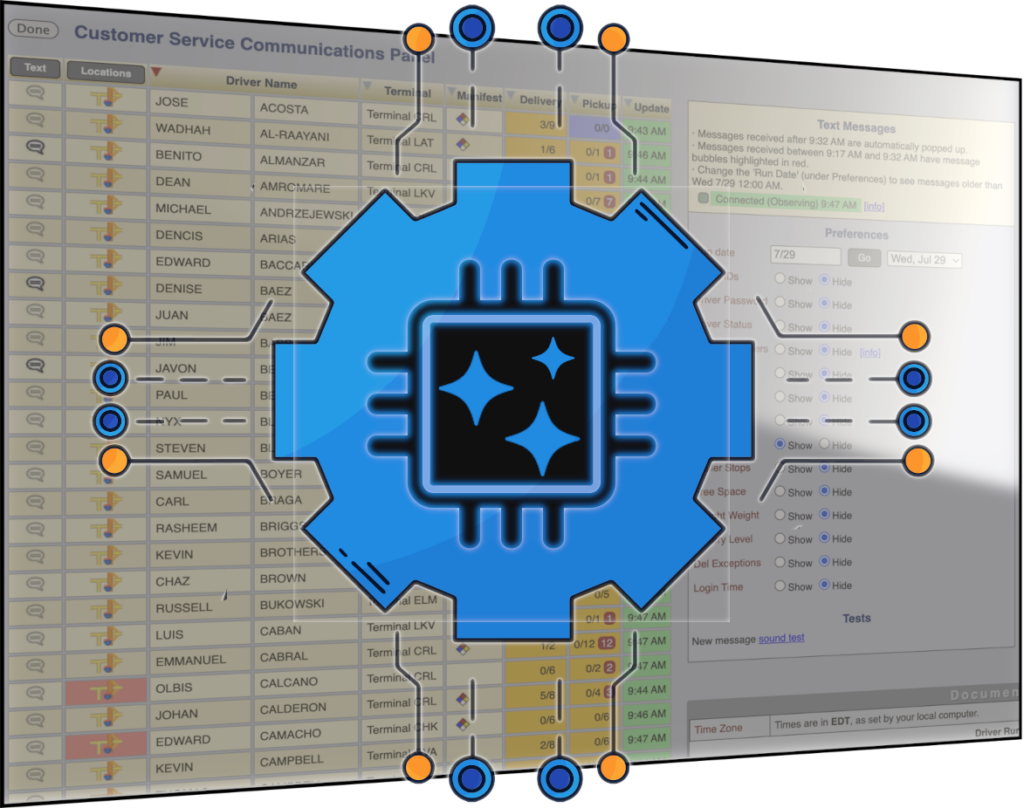
Acordex Data Suite, our updated data intelligence layer, uses modern industry standards to communicate with AI agents and AI-powered applications. Image and mobile data is now available to any outside app that needs it, no integration work required.
For decades we’ve integrated with outside applications like TMS and payroll systems. Now you can add to those existing integrations instantly and bring your Acordex data into any outside party that needs it. That includes AI agents, apps, APIs, data warehouses and BI tools. By leveraging modern standards like the model-context protocol, Acordex Data Suite communicates directly with AI-powered tools.
Use Cases
Customer Support
An AI agent gets a customer request and asks the Data Suite the status of the customer’s shipment in real time, instantly relaying information like the current shipment status, arrival time, shipment location, even secure links to document images as they become available.
Office Workflows
Autonomous agents read and write data from the system by querying the Data Suite as new documents and data arrive, automatically completing data entry tasks and pushing structured data to partner APIs.
Dashboards
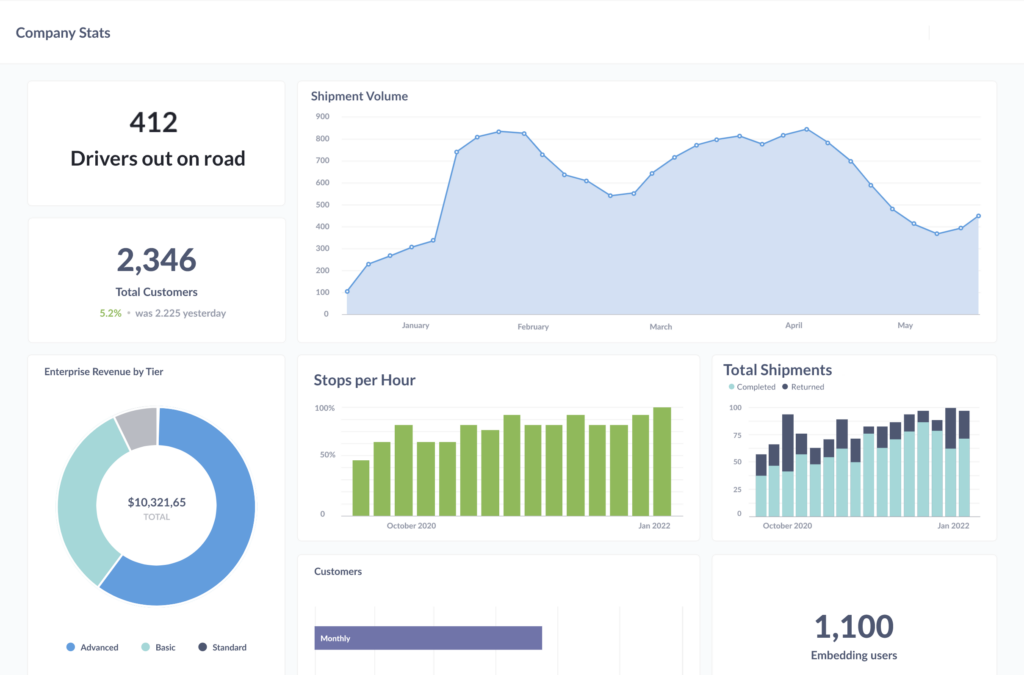
Acordex Data Suite’s reporting engine gives users instant pre-built dashboards for key productivity metrics like delays, stops completed, shipments completed, shipments returned, exceptions, drivers on the road, and much more. We can provide you a set of standard dashboards, or hand the tools over to you. Power users can enjoy a drag-and-drop query builder to construct custom reports and charts, slicing and visualizing your data however you need it.
Status Triggers and Report Exports
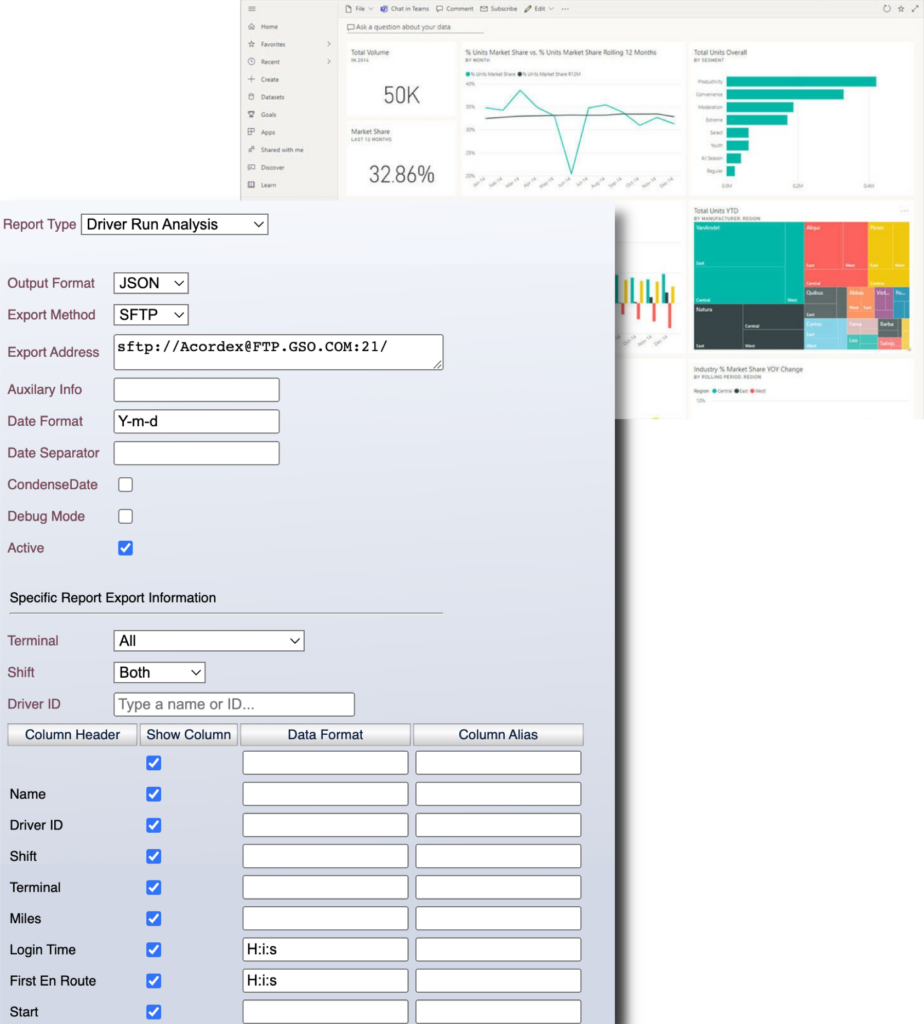
Data Suite can initiate workflows or issue real-time API calls for important events, like when a delivery receipt image arrives or when a shipment is tagged with an exception. Automatically email a shipper upon a shipment completion, or send a notification every time there’s damage reported on a shipment. Export data in any format, to any outside party:
- Data warehouses
- BI engines
- Databases
- Spreadsheets
- Management summaries
Exports can also be sent out on a schedule. Management users can get daily productivity summaries, claims officers can get a snapshot of the day’s exceptions.
Driver Productivity
The Data Suite productivity module tracks critical KPIs across your entire fleet. A set of pre-defined tables and charts provide a deep look into your drivers’ days.
Shipment Metrics
Track critical efficiency metrics like stops per hour, shipments per day, miles per stop, line time, inter-stop time, and more. Filter by different dates or slice this data by day, by terminal, by driver, and more.
Stop Times
Analyze how long drivers spend at each delivery or pickup stop and measure the detention time for each shipper, consignee and driver. Identify which are
your best and worst customers in terms of being ready for your driver. Help identify star drivers who get in and out of a dock quickly (make sure to retain them) or slowly (may need some coaching).
Start and End of Day
Evaluate your terminals’ performance in getting drivers on the road quickly after they arrive for work, and getting your drivers quickly off duty after they’ve returned to
the terminal.
Driver Statuses
Track custom statuses like dock work, yard time, administrative work, distinguish between off-duty lunch vs. off-duty end of day. The system automatically switches to Driving status when the truck begins moving.
It will also intelligently fills back-time transitions away from Driving status when the truck stops moving, so you get accurate time at stops.
API Access
All productivity data is available via our API. Export mileage and driver status time for cost/profit analysis tools. Export driver’s start, lunch and end of day time for payroll. Create custom reports to analyze productivity data in whatever fashion you require.